GTA VI, the app and this website: your start in Leonida
Grand Theft Auto VI launches on November 19, 2026 for PlayStation 5 and Xbox Series X|S. The Leonida Manual iPhone app is planned for the same day. This first post explains what this website is for, how to use it and how it actually helps you in story mode.

Two launches on one day
Rockstar Games has named November 19, 2026 as the release date for GTA VI, initially on PlayStation 5 and Xbox Series X|S. The Leonida Manual iOS app is meant to reach the App Store the same day. Apple’s approval is still pending. As soon as it arrives, you will find the link on the launch page.
You don’t have to wait for the website. It already runs in your browser, on a laptop, tablet or phone next to your console.
What this website is for
Leonida Manual is an independent guide to offline and story mode. It gives you the overview next to the game, without digging through videos or forums: which missions there are, what they require, what they pay and how the game systems fit together.
Just as important is what it is not: not an official Rockstar Games product, no licensed images or game data, and no substitute for the game. The missions on the website are currently examples that show how the manual works. Real GTA VI details are only added once they have been checked against sources.
How to use the website
Everything at a glance
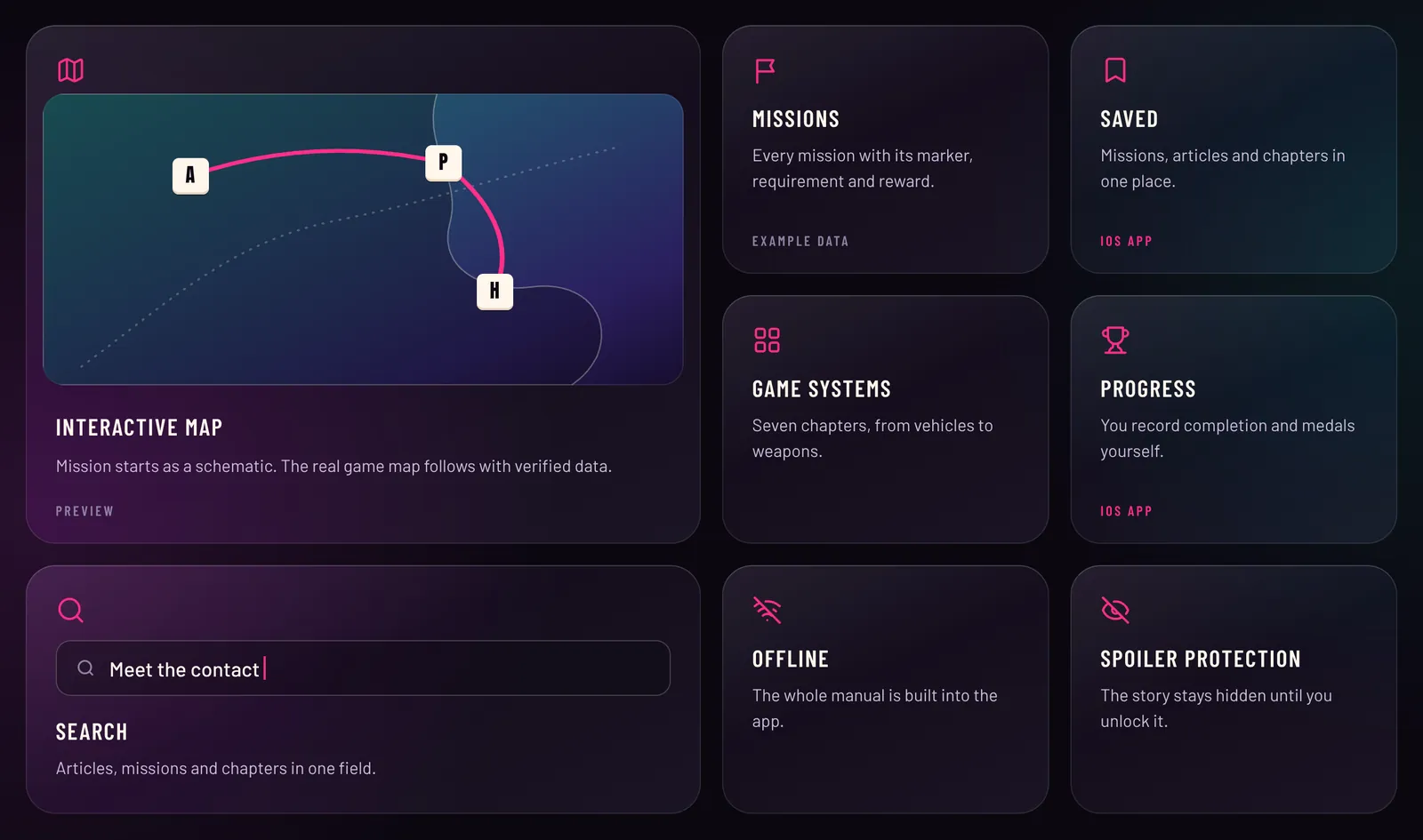
The launch page shows what the manual contains: map, missions, game systems, progress, search, offline use and spoiler protection. Each tile takes you straight to the right place.
The map
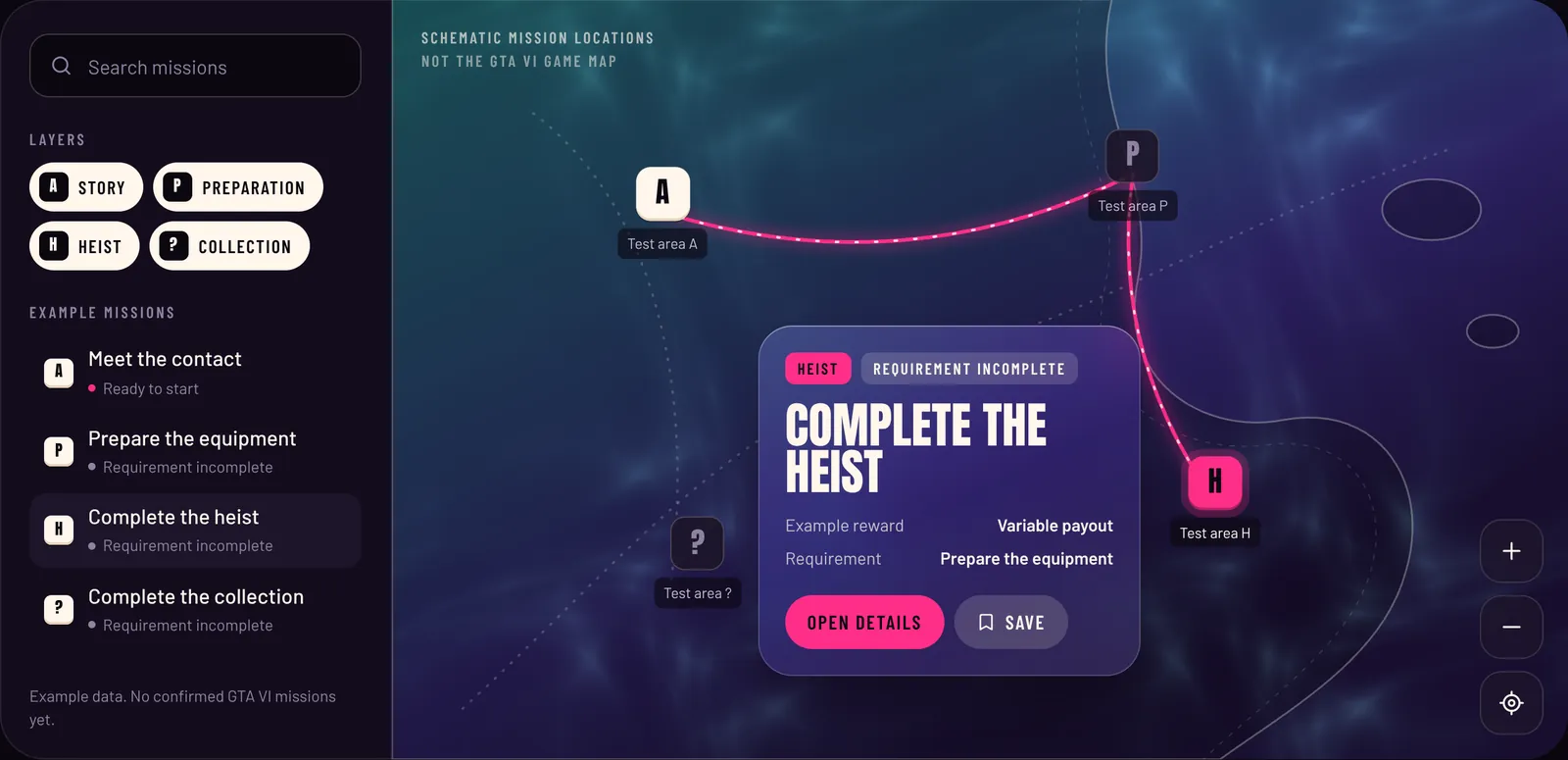
The map shows mission starting points as keycaps. Click a marker or press A, P, H or ? on your keyboard. A glass card shows the reward and requirement, and a line traces which missions have to be done first.
Quick access from the corner
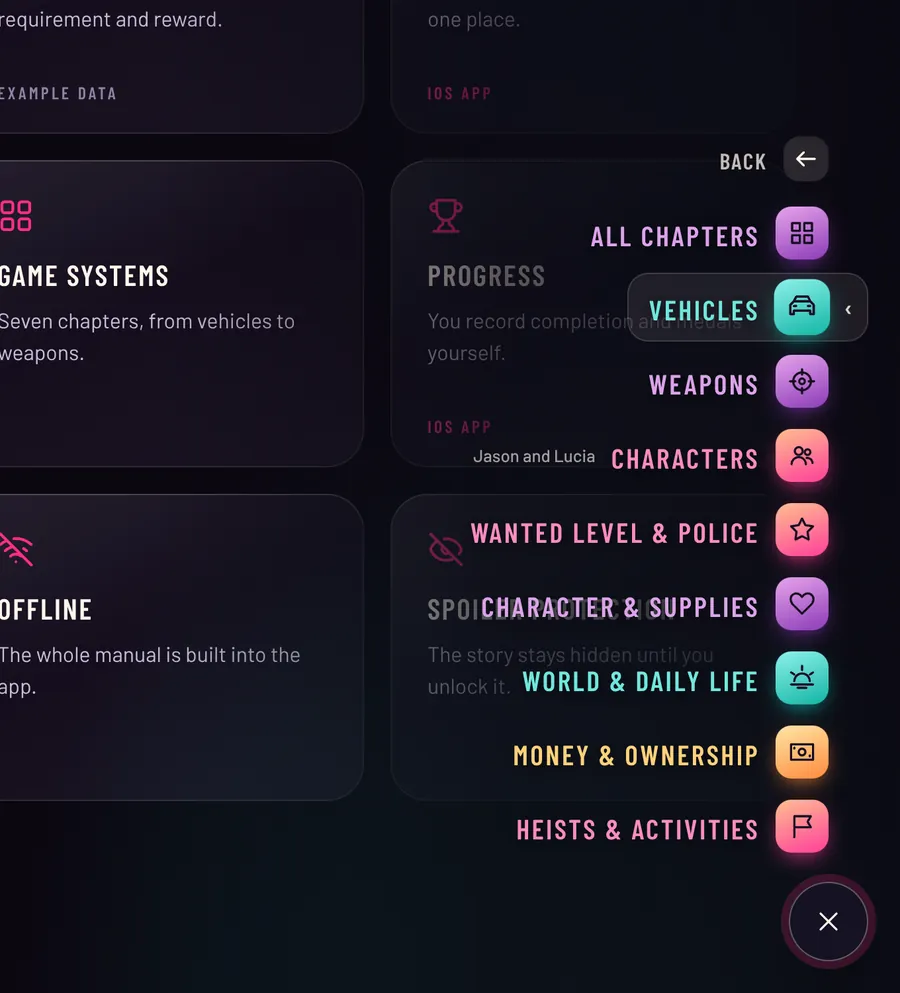
A round button sits in the bottom-right corner. It shows which section you are in. A click or the I key opens quick access with missions, map, game systems, progress, articles, saved list and search. Under game systems you go straight to vehicles, weapons or characters.
The web manual
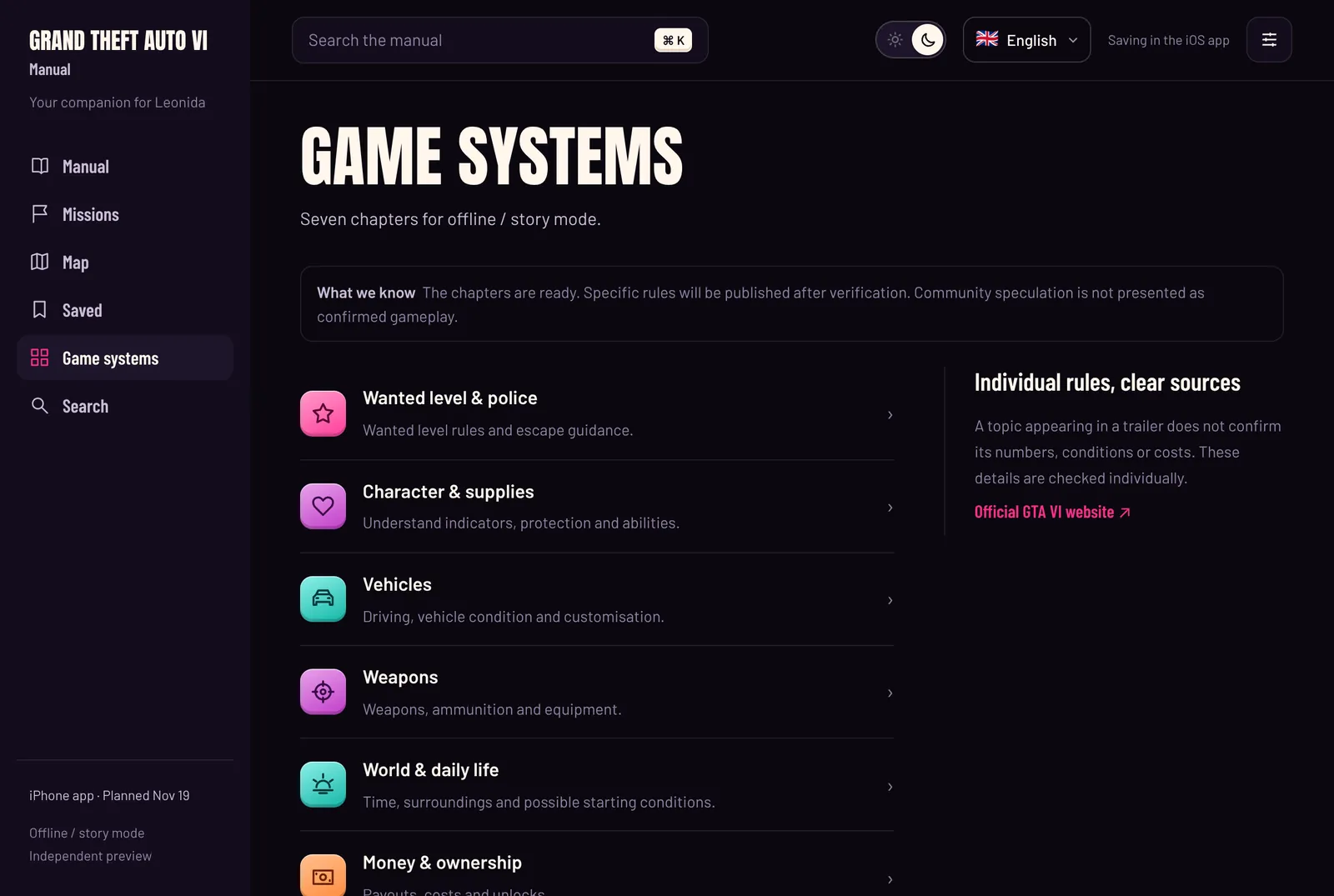
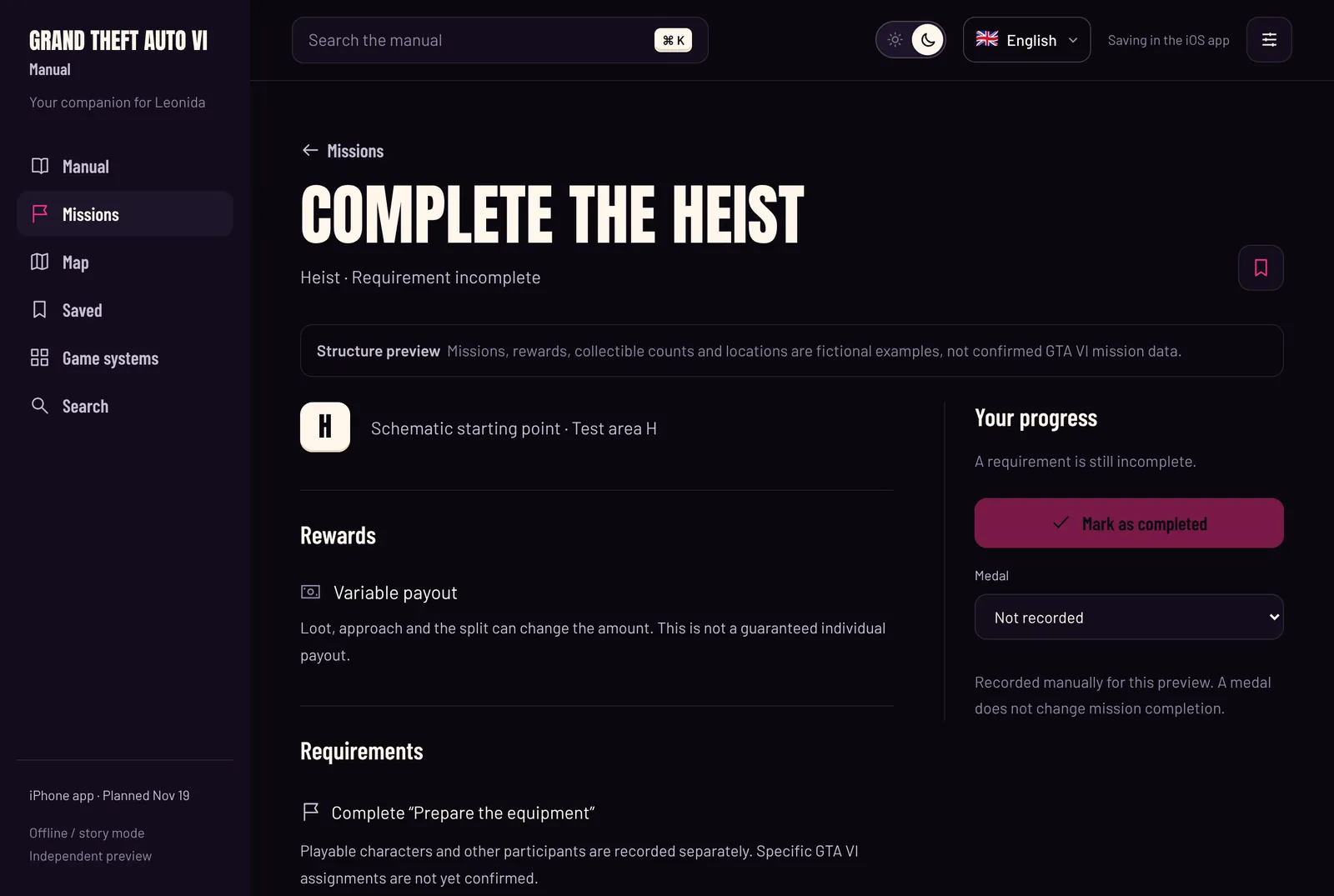
Open manual takes you into the manual itself. The sections are on the left and search is at the top, which you can also open with ⌘ K. Every mission has its own page with requirements and rewards, and every system chapter has its own overview.
Language and appearance
At the top you choose German, English, French or Spanish and switch between the light and dark design. Your browser remembers both.
Making the most of it in story mode
The manual is most useful as a second screen. A few habits help:
- Plan before you play: check on the map which missions are ready to start and decide where to begin.
- Keep an eye on requirements: the route on the map shows what needs to be done before a big mission.
- Turn on spoiler protection: it hides story content until you unlock it yourself.
- Read chapters ahead: the game systems explain what matters for the wanted level, vehicles or money once the rules are verified.
- Search instead of scrolling: type a term into the search field and you land on the matching article, mission or chapter.
What the website gives you
- Free and without an account.
- No tracking, no ads, no cookies.
- Usable offline after the first visit, if your browser allows it.
- In four languages, light or dark.
- Clearly marked: what is verified and what is an example.
What the app adds
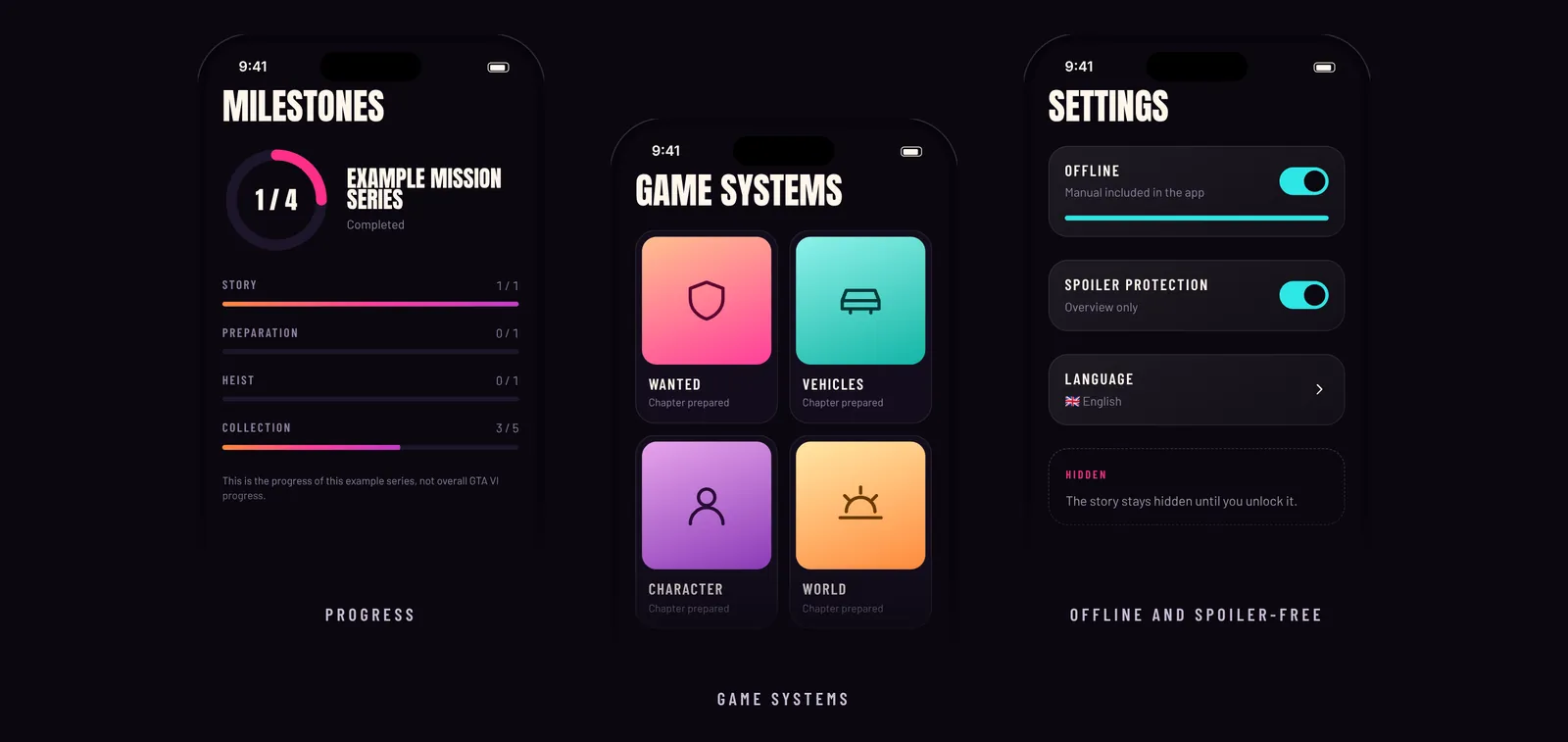
The iOS app is the manual for your pocket. It has everything the website shows and also stores your own data, only on your iPhone:
- A saved list for missions, articles and chapters.
- Progress and medals that you record yourself.
- The complete manual offline, even without a connection next to the console.
- Spoiler protection and settings that stick.
- No account and no ads.
You can already see these features on the website, but only the app saves them. The app is planned for November 19.
Next on the blog
Source for the release date: Rockstar Games, as of November 4, 2026. Official GTA VI website ↗